
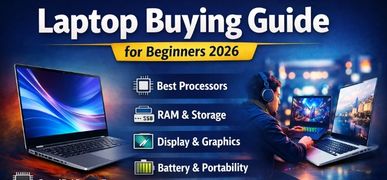
Laptop Buying Guide for Beginners – The Ultimate 2026 Expert Guide
Buying a laptop for the first time can feel overwhelming. With dozens of brands, countless configurations, and technical specifications, making the right decision requires clarity, precision, and a structured approach. In this comprehensive guide, we break down every essential factor you must evaluate before purchasing a laptop. Whether you are a student, working professional, gamer, entrepreneur, or casual user, this guide ensures you choose the perfect machine for your needs and budget.
Understanding Your Laptop Usage Needs
Before comparing specifications, we must define the primary purpose of the laptop. The right choice depends entirely on how the device will be used.
1. Basic Everyday Use
For browsing, watching videos, emails, and Microsoft Office:
-
Intel Core i3 / AMD Ryzen 3
-
8GB RAM
-
256GB SSD
-
Integrated graphics
2. Students & Academic Work
For research, assignments, presentations, and light editing:
-
Intel Core i5 / AMD Ryzen 5
-
8GB–16GB RAM
-
512GB SSD
-
Lightweight design for portability
3. Professional & Office Work
For multitasking, spreadsheets, video calls, and productivity software:
-
Core i5 / Ryzen 5 or higher
-
16GB RAM recommended
-
512GB SSD or more
4. Creative Professionals
For video editing, graphic design, 3D modeling:
-
Core i7 / Ryzen 7
-
16GB–32GB RAM
-
Dedicated GPU
-
High-resolution display
5. Gaming & Heavy Performance
For high-end gaming and rendering:
-
Core i7 / Ryzen 7 or higher
-
16GB–32GB RAM
-
Dedicated GPU (RTX series preferred)
-
High refresh rate display (120Hz+)
Laptop Processor Guide – Choosing the Right CPU
The processor is the heart of the laptop. It determines speed, efficiency, and performance.
Intel Processors
-
Core i3 – Entry-level computing
-
Core i5 – Balanced performance
-
Core i7 – High performance multitasking
-
Core i9 – Extreme performance users
AMD Processors

-
Ryzen 3 – Budget users
-
Ryzen 5 – Mid-range performance
-
Ryzen 7 – Advanced productivity
-
Ryzen 9 – Professional-grade computing
Recommendation: For beginners, we strongly suggest Core i5 or Ryzen 5 for long-term usability.
RAM – How Much Memory Do You Really Need?
Random Access Memory affects multitasking speed.
| Usage Type | Recommended RAM |
|---|---|
| Basic Tasks | 8GB |
| Students | 8GB–16GB |
| Office & Business | 16GB |
| Gaming | 16GB–32GB |
| Editing & Rendering | 32GB |
Important: Always choose laptops with upgradable RAM slots if possible.
Storage Guide – SSD vs HDD
Storage affects boot speed and responsiveness.
| Storage Type | Speed | Recommended? |
|---|---|---|
| HDD | Slow | No |
| SATA SSD | Fast | Yes |
| NVMe SSD | Very Fast | Highly Recommended |
We strongly recommend NVMe SSD (512GB minimum) for modern laptops.
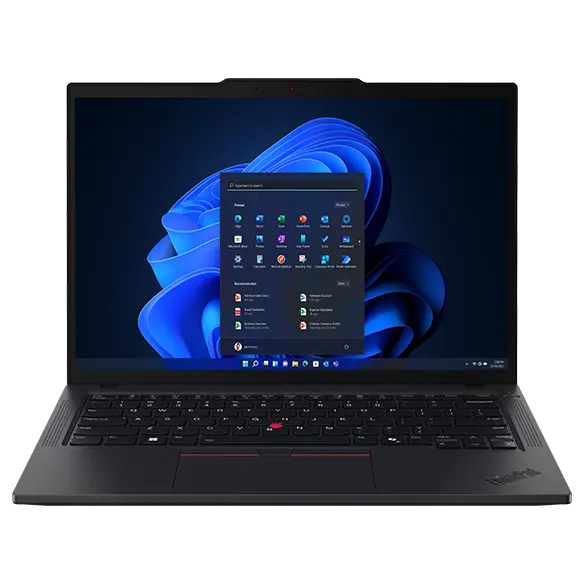
Display Quality – Size, Resolution & Panel Type
Screen Size
-
13–14 inches → Ultra portable
-
15.6 inches → Balanced choice
-
17 inches → Gaming & workstation
Resolution
-
HD (1366x768) – Avoid
-
Full HD (1920x1080) – Minimum standard
-
2K/4K – Creative professionals
Panel Type
-
TN – Budget
-
IPS – Better colors & viewing angles
-
OLED – Premium experience
Graphics Card – Integrated vs Dedicated GPU
Integrated graphics (Intel Iris / AMD Radeon integrated) are enough for:
-
Browsing
-
Office tasks
-
Light editing
Dedicated GPU required for:
-
Gaming
-
Video editing
-
Animation
-
3D rendering
Popular GPU Series:
-
NVIDIA GTX
-
NVIDIA RTX
-
AMD Radeon RX
Battery Life & Portability
For portability:
-
Weight under 1.8kg
-
Minimum 6–8 hours battery life
For professionals:
-
10+ hours battery life ideal
Look for:
-
Fast charging support
-
USB-C charging capability
Build Quality & Design
Premium build features:
-
Aluminum chassis
-
Backlit keyboard
-
Precision trackpad
-
Fingerprint reader
-
Webcam shutter
Avoid:
-
Cheap plastic build
-
Weak hinge mechanism
Operating System Options
| OS | Best For |
|---|---|
| Windows | Universal compatibility |
| macOS | Creative ecosystem |
| Linux | Developers |
Most beginners prefer Windows 11 laptops for flexibility.
Connectivity & Ports Checklist
Ensure the laptop includes:
-
USB Type-C
-
USB 3.0 ports
-
HDMI
-
Wi-Fi 6
-
Bluetooth 5.0+
-
Headphone jack
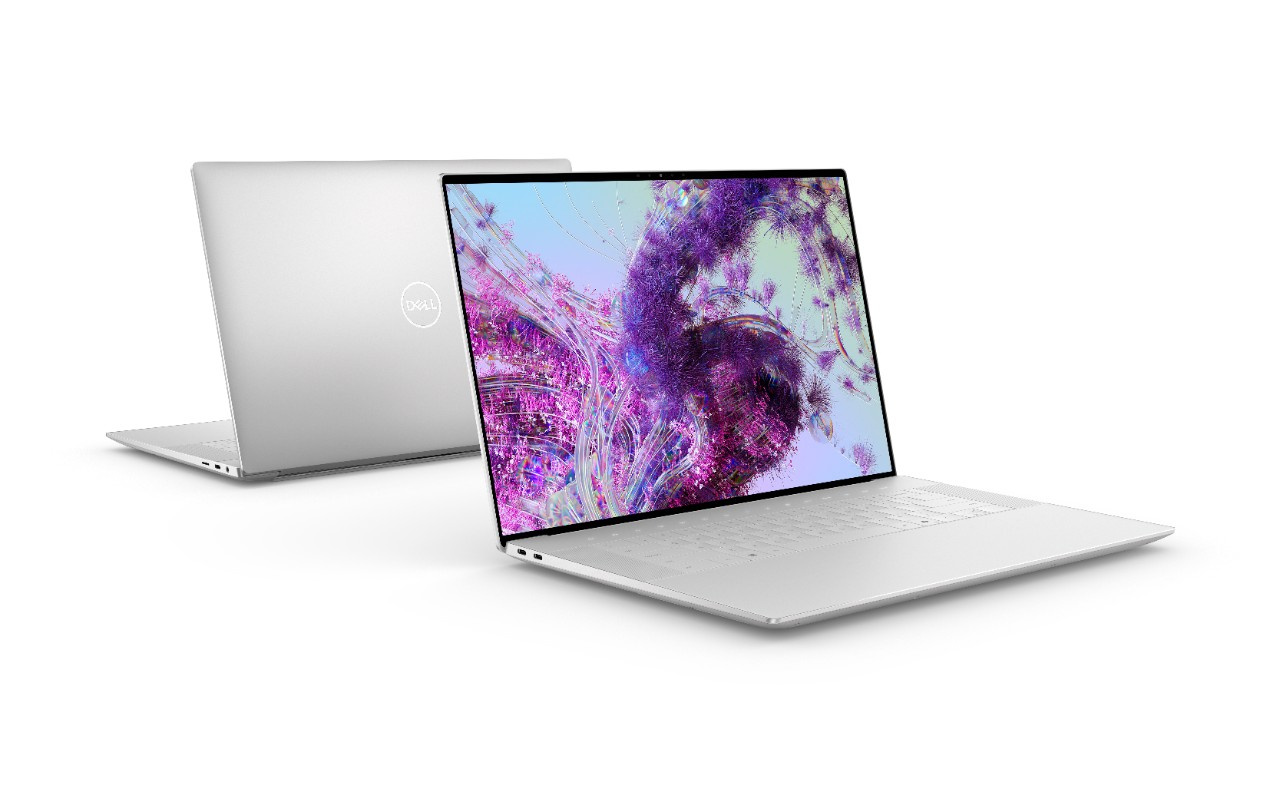
Best Laptop Brands for Beginners
-
Dell
-
HP
-
Lenovo
-
ASUS
-
Acer
-
Apple
Choose brands with strong after-sales support in your region.
Laptop Buying Checklist
Before finalizing your purchase:
-
✔ Processor: Core i5 / Ryzen 5 minimum
-
✔ 16GB RAM (future-ready)
-
✔ 512GB NVMe SSD
-
✔ Full HD IPS Display
-
✔ Lightweight design
-
✔ Reliable warranty
Common Mistakes Beginners Must Avoid
-
Buying HDD-based laptops
-
Choosing 4GB RAM
-
Ignoring display quality
-
Overpaying for unnecessary specs
-
Not checking upgrade options
Budget Planning Strategy
| Budget Range | Ideal Configuration |
|---|---|
| Entry-Level | i3 / Ryzen 3, 8GB RAM, 256GB SSD |
| Mid-Range | i5 / Ryzen 5, 16GB RAM, 512GB SSD |
| Premium | i7 / Ryzen 7, 16–32GB RAM, Dedicated GPU |
Always balance performance and price.
Future-Proofing Your Laptop Purchase
To ensure longevity:
-
Choose latest generation processor
-
Minimum 16GB RAM
-
NVMe SSD storage
-
Wi-Fi 6 compatibility
-
Upgrade-friendly design
Complete Laptop Specification Comparison Table
| Component | Entry | Mid | High |
|---|---|---|---|
| Processor | i3 / R3 | i5 / R5 | i7 / R7 |
| RAM | 8GB | 16GB | 32GB |
| Storage | 256GB SSD | 512GB SSD | 1TB NVMe |
| Graphics | Integrated | Integrated | Dedicated GPU |
| Display | FHD | FHD IPS | 2K/4K |
Final Recommendation
For beginners in 2026, the ideal laptop specification is:
-
Intel Core i5 / AMD Ryzen 5
-
16GB RAM
-
512GB NVMe SSD
-
Full HD IPS Display
-
Lightweight & 8+ Hours Battery
This combination ensures performance, longevity, and excellent value.
FAQs –Frequently Asked Questions
1. Is 8GB RAM enough in 2026?
Yes for basic tasks, but 16GB is recommended.
2. Should beginners buy SSD or HDD?
Always choose SSD.
3. Which processor is best for students?
Core i5 or Ryzen 5.
4. Is Intel better than AMD?
Both offer excellent performance.
5. What screen size is ideal?
15.6-inch for most users.
6. Do I need a dedicated graphics card?
Only for gaming or heavy editing.
7. Is 256GB storage enough?
Minimum acceptable, 512GB preferred.
8. What is NVMe SSD?
Faster type of SSD storage.
9. Should I buy touchscreen laptop?
Optional, not necessary.
10. How important is battery life?
Very important for portability.
11. Which OS is best for beginners?
Windows 11.
12. Can RAM be upgraded later?
Depends on laptop model.
13. Is Full HD enough?
Yes for most users.
14. What is refresh rate?
Screen smoothness measurement (60Hz, 120Hz).
15. Are gaming laptops good for students?
Yes but heavier.
16. How long should a laptop last?
4–6 years with proper care.
17. What is Wi-Fi 6?
Latest faster wireless standard.
18. Should I buy extended warranty?
Recommended.
19. Is MacBook good for beginners?
Yes but expensive.
20. What weight is ideal?
Below 1.8kg.
21. Is backlit keyboard necessary?
Helpful but optional.
22. What ports are essential?
USB-C, USB-A, HDMI.
23. Can I edit videos on i5?
Yes, moderate editing.
24. Is Ryzen 5 good for gaming?
Yes with dedicated GPU.
25. What is best overall configuration?
i5/R5 + 16GB RAM + 512GB NVMe SSD.
For more information and to start using Roobae.com, visit our official website and download the app to stay updated on the best deals and offers. With Roobai.com, you can ensure that every shopping experience is not just an opportunity to shop but an opportunity to save big